x1.tools brand kit
The logo, icons, type and colours, and how to use them when you write about x1.tools or link to it.
Download all brand assets (.zip, 5.9 MB)


01 · Name
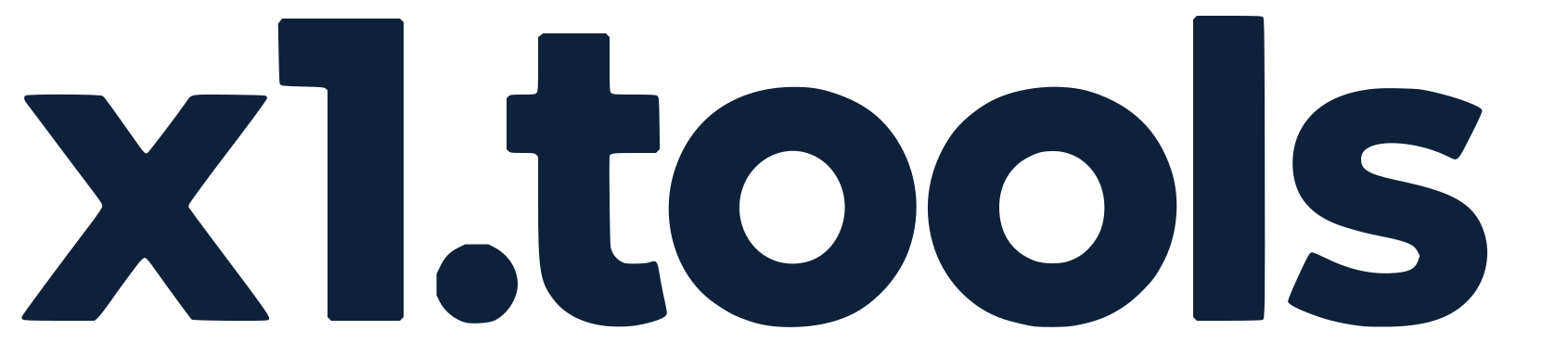
x1.tools, lowercase, with the dot.
Write the name as x1.tools: all lowercase, with the dot, the same as the web address and the wordmark in the logo. It is the name at the start of a sentence too.
Never write it “X1 Tools”, “X1.Tools” or “x1 tools”. The one exception is a label set in capitals throughout, where it reads X1.TOOLS like the words around it.
02 · Guidelines
Use it as it is.
Do
- Use the files on this page, unchanged.
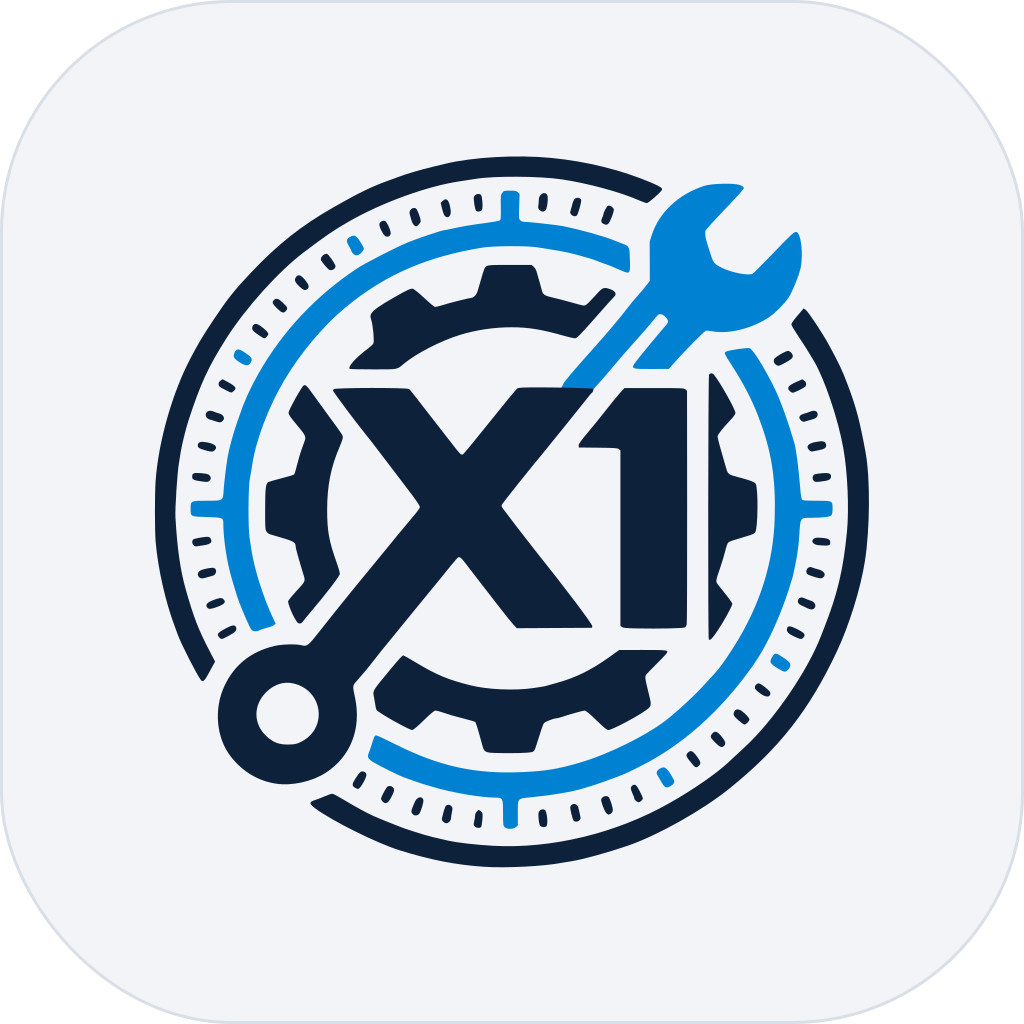
- Keep clear space around the logo at least the height of the “1” in the emblem.
- Keep the symbol at 24 px or larger, and the horizontal logo at 120 px wide or larger.
- Pick the version made for your background: dark mode on dark, light mode on light, reverse white or mono black for one colour.
- Link the name to https://x1.tools when you mention it online.
Don’t
- Recolour, stretch, rotate, outline or add effects to the logo.
- Rebuild the logo or set the wordmark in another typeface.
- Separate the wrench, gear or ring from the emblem.
- Imply that x1.tools endorses, sponsors or partners with you.
- Put the logo on a busy image or a background where it can’t be read.
03 · Logos and icons
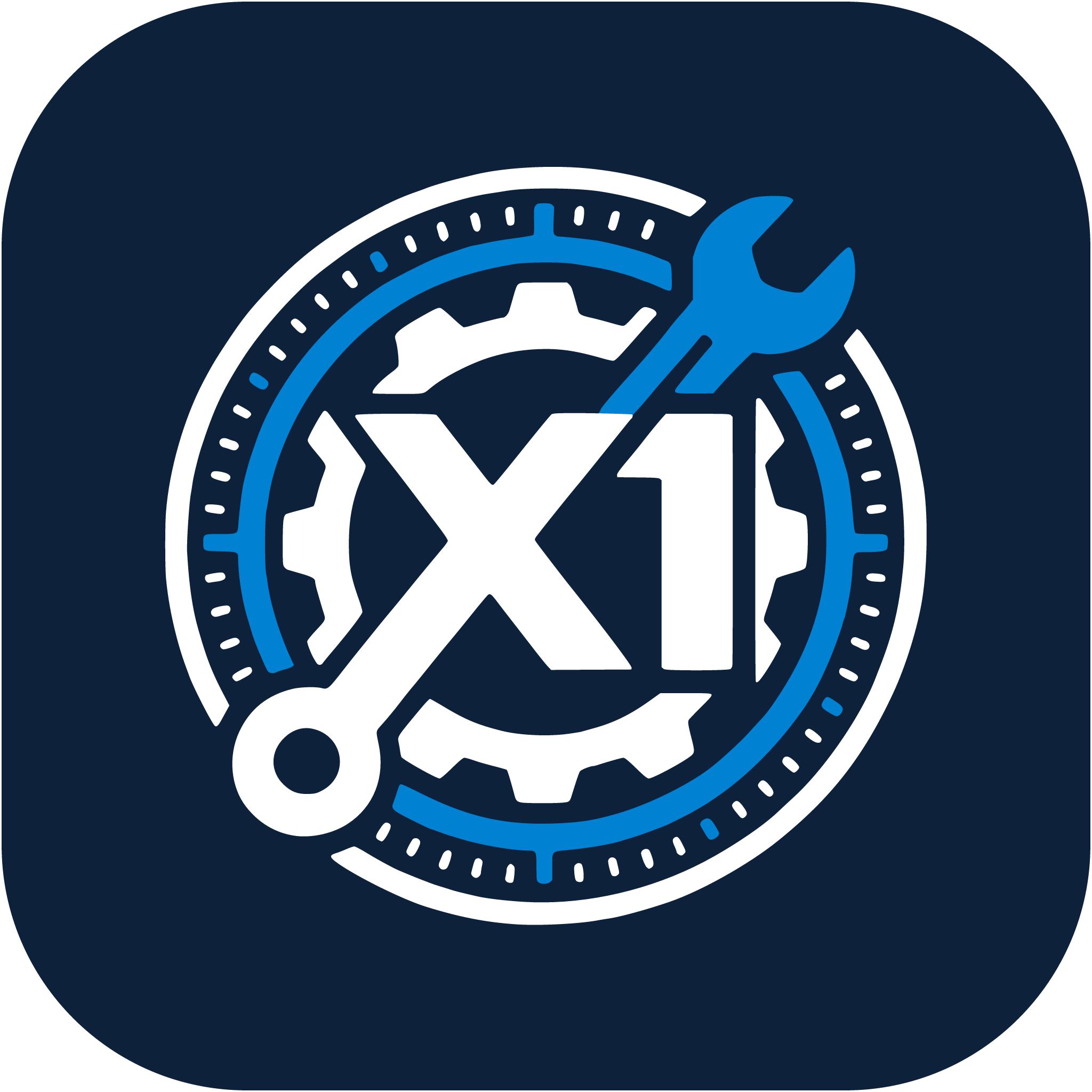
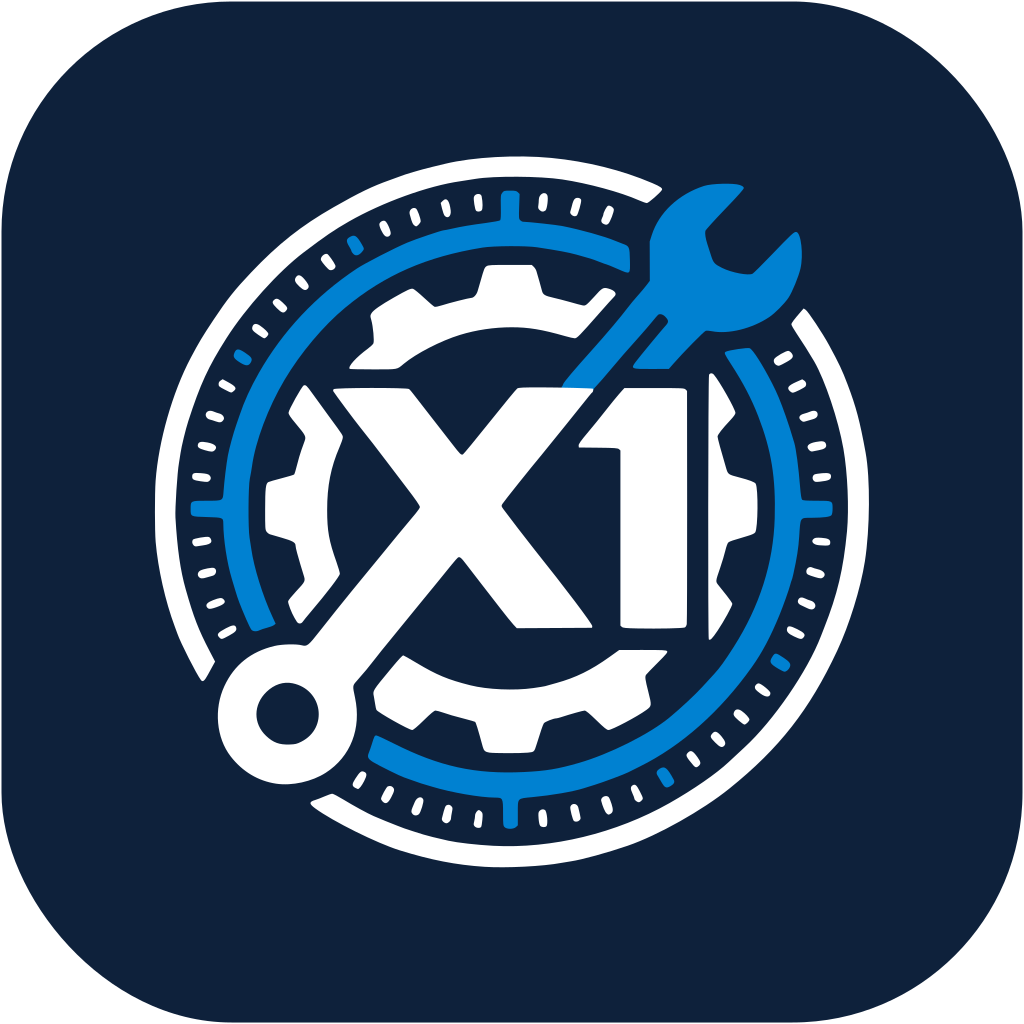
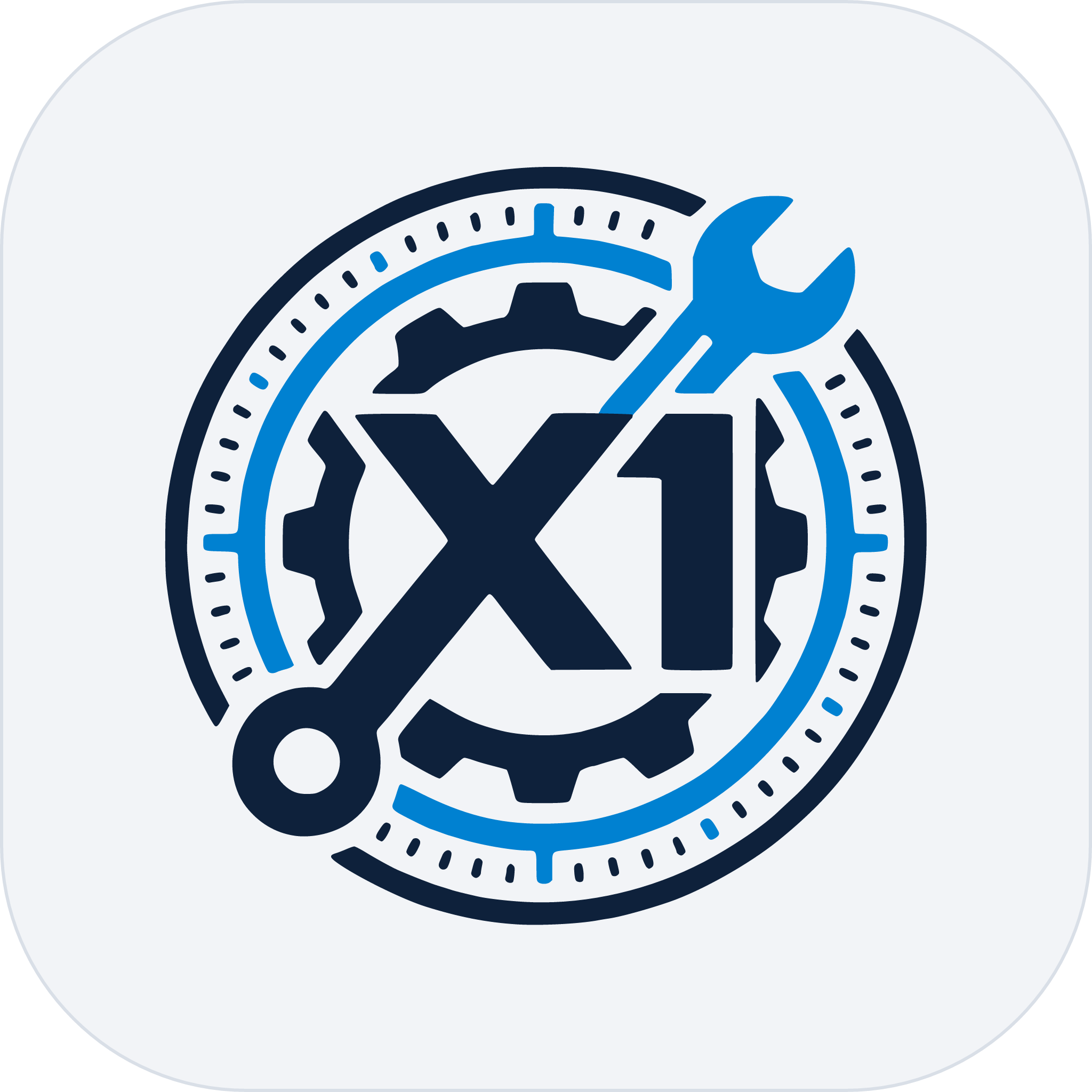
Every version, on its own background.
PNGs are full resolution with a transparent background. SVGs are vector outlines, so they need no fonts and scale to any size.















04 · Typography
Four typefaces, each with one job.
x1.tools
Montserrat Bold
The wordmark only
Everything on X1, in one place
Space Grotesk
Headings
The apps worth using, and what X1 Labs changed this week.
Geist
Body text
Epoch 416 · 6/11 live
Geist Mono
Labels and numbers
05 · Colours
The logo's colours, then the site's.
Logo
Deep Navy
#0E213B
Wordmark and gear on light
FinTech Blue
#0081D1
Ring and wrench
White
#FFFFFF
Wordmark and gear on dark
Slate Blue
#4D6A80
Supporting
Light Gray
#8097A6
Supporting
Off-White
#F2F4F7
Light backgrounds
Site
Canvas
#131313
Dark background
Surface
#1B1B1B
Panels on dark
Accent
#22D3EE
Dark theme
Accent · light
#0369A1
Light theme
Action blue
#0066CC
X1ID buttons
06 · Agreement
Using these assets.
By downloading or using these assets you agree to follow these guidelines. x1.tools may update them at any time, and may ask you to change or stop any use that doesn’t follow them. Using the assets gives you no other rights in the x1.tools name or logo.